
Thirty seconds isn’t much time. You can’t explain your whole origin story, list every service, or walk through a detailed case study. But you can tell one clear story that makes someone stop scrolling and think, “That’s for me.” Most brand videos fail because they try to cram too much in. The good ones pick a single moment, problem, or idea and make it land. Here’s how to tell your brand story in a 30-second video without a big budget, a crew, or fancy gear.
TL;DR
- Write a three-part script (hook, solution, call-to-action) and cut it to 60-75 words before you film anything.
- Shoot near a window in the morning or late afternoon for soft, even light, and use a clip-on microphone for clear audio.
- Edit tight: every shot should move the story forward. Cut anything that’s just “nice to have.”
- Export in 1920×1080 MP4 for most platforms, then create square or vertical crops for Instagram and Facebook.
- Test your first version on a small audience (email list, Instagram story) and watch where people drop off, then adjust.
Start with one message, not your whole story
You have 30 seconds. That’s roughly 60-75 words if you speak at a natural pace. You can’t fit your founder journey, your three service tiers, and your company values. Pick one message: the single problem you solve, the change you create, or the moment that explains why you exist.
Write it as one sentence first. “I help small restaurants in Malmö shoot menu photos that make people hungry.” Or: “We turn your phone clips into ads that actually get watched.” If you can’t say it in one sentence, your video will wander.
Once you have that sentence, build a three-part structure around it. Part one (the hook) shows the problem or moment your audience recognizes. Part two (the solution) shows how you change that situation. Part three (the call-to-action) tells them the next step. Each part gets about 10 seconds. That’s your script.
Write every word before you film
Don’t wing it. Even if you plan to shoot silent B-roll with text overlays, write out the text first. Read it aloud three times. If a sentence feels clunky or long, rewrite it. If a word doesn’t earn its place, cut it. You’ll save hours in editing by starting with a tight script.
How to tell your brand story in a 30-second video: plan your shots on paper
Before you pick up a camera, sketch your shots. You don’t need to draw well. Stick figures and boxes work. Just map out what the viewer sees during each part of your script.
For a service business, you might plan: shot one (close-up of your hands working), shot two (your face talking to camera), shot three (the finished result), shot four (text with your website). For a product business: shot one (the problem in action), shot two (your product being used), shot three (the happy result), shot four (product on a table with a CTA).
Three to five shots is a good range for 30 seconds. Each shot lasts 5-8 seconds. More cuts keep attention, but if you go past eight or ten cuts, the video starts to feel jumpy. Plan for fewer, stronger shots rather than lots of quick flashes.
Think about the first two seconds
People decide to keep watching in three seconds. Your first shot has to stop the scroll. That means starting with action, a question, or a relatable problem, not a logo animation or a slow fade-in. If your hook is “Ever spend an hour looking for the right photo?”, show someone scrolling through a messy camera roll in the first frame. If your hook is a before-and-after, show the “before” immediately.
Test this: watch your favorite short-form videos on Instagram or TikTok and notice what’s on screen in the first second. It’s almost never an intro. It’s the most interesting moment, moved to the front.
Shoot in good light with simple gear
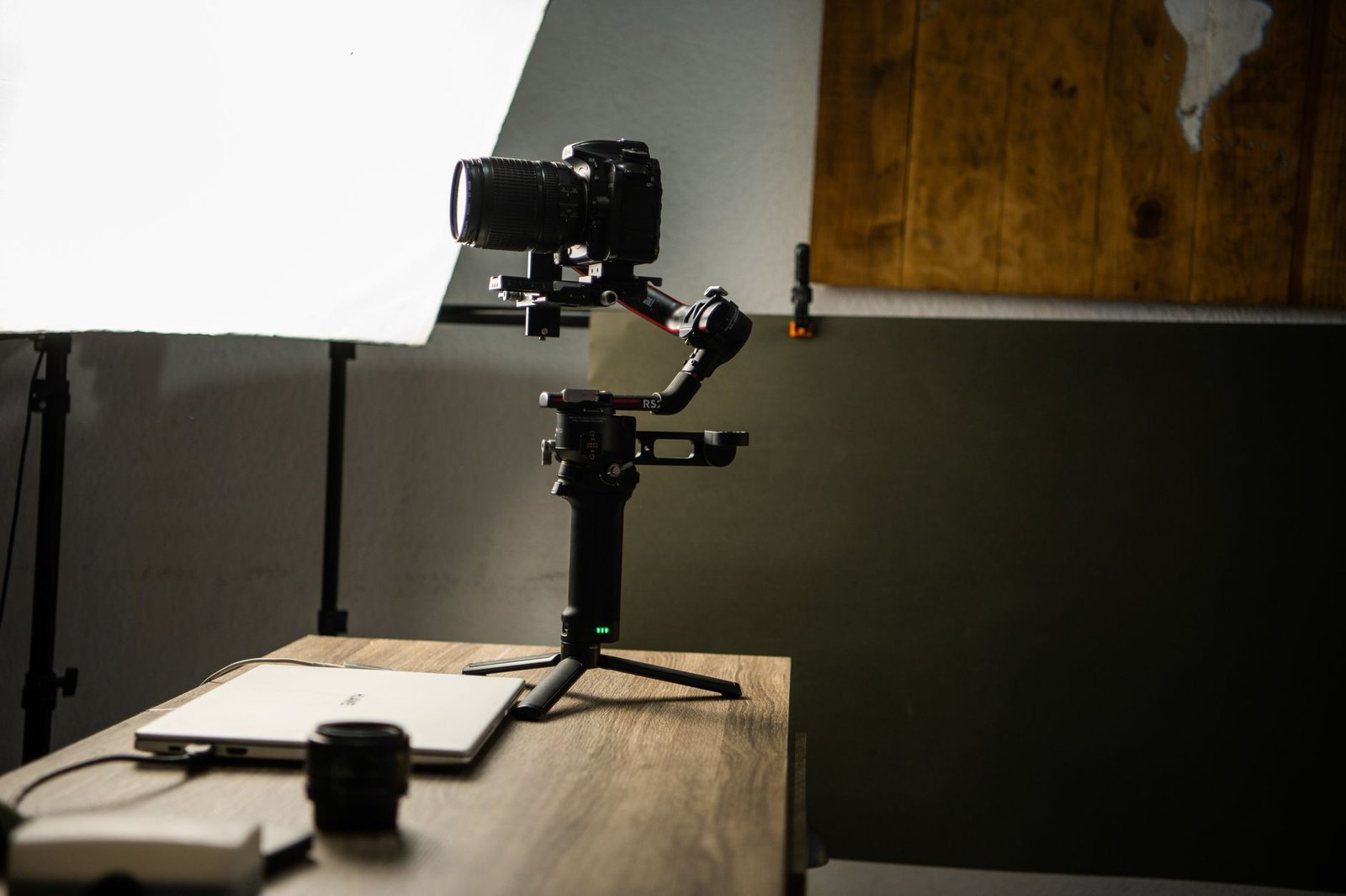
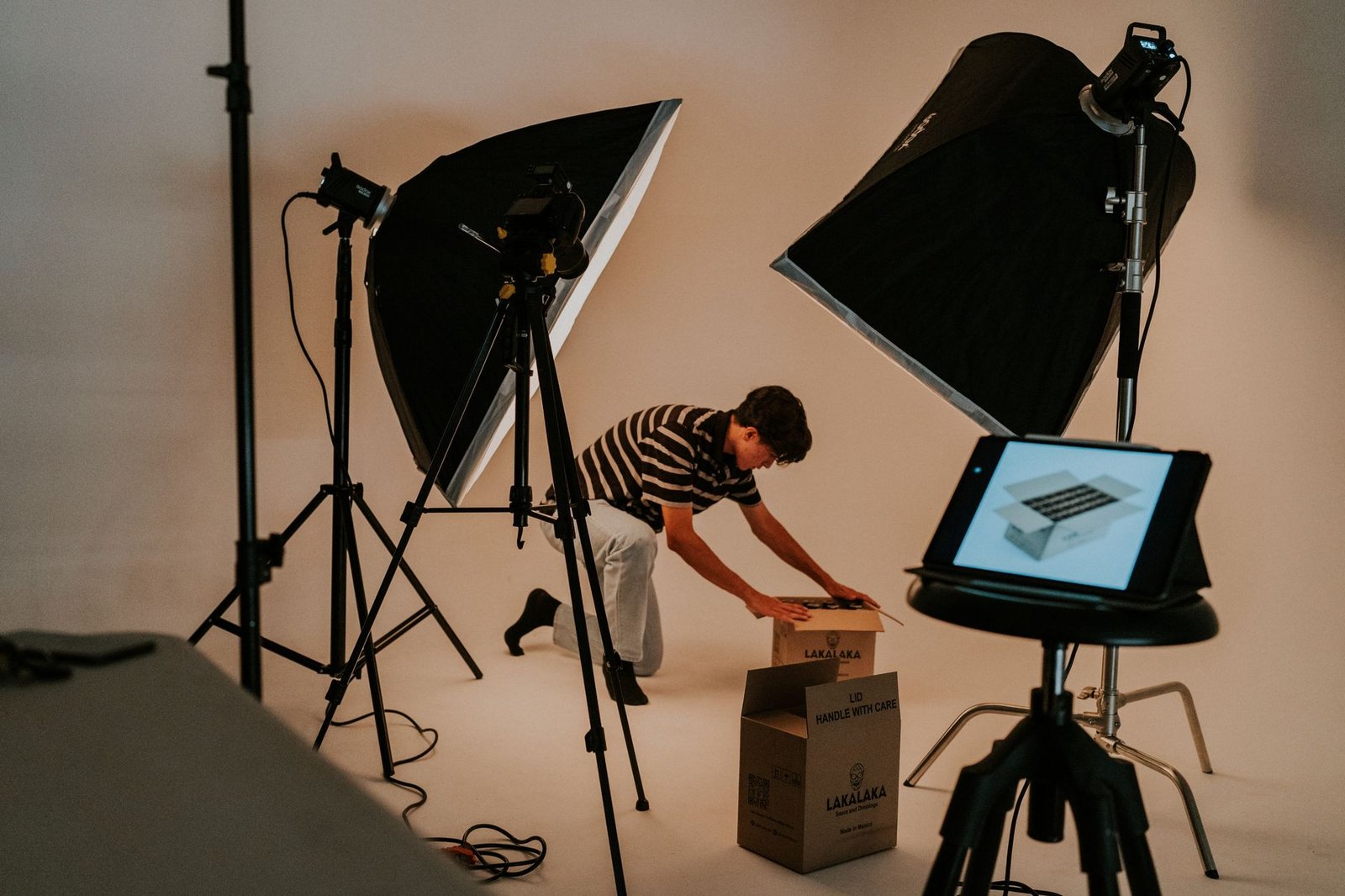
Most “cheap-looking” videos are just badly lit. You don’t need softboxes or LED panels. You need a window and the right time of day.
Set up near a large window in the morning (8-10am) or late afternoon (3-5pm in summer, 2-4pm in winter). Face the window so the light hits your face or your product evenly. If the light is too bright and creates harsh shadows, tape a white bedsheet or baking paper over the window to diffuse it. Avoid midday sun (too contrasty) and overhead ceiling lights (they cast shadows under your eyes and nose).
If you’re filming yourself talking, sit or stand 1-2 meters from the window. If you’re filming a product, place it on a table near the window and shoot from the shadow side so the light wraps around it. The goal is soft, even light with no hard shadows.
Use your phone, but use it right
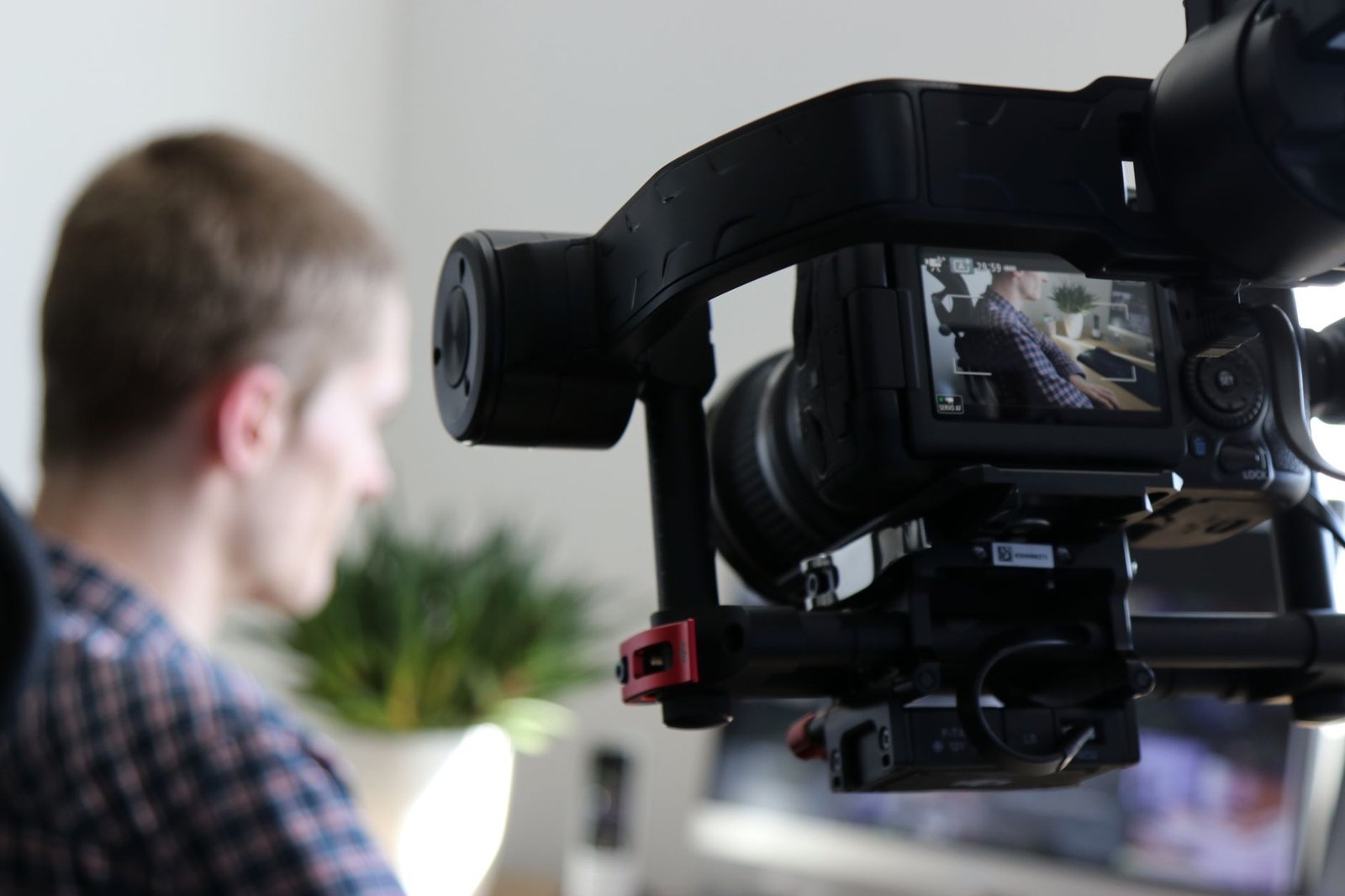
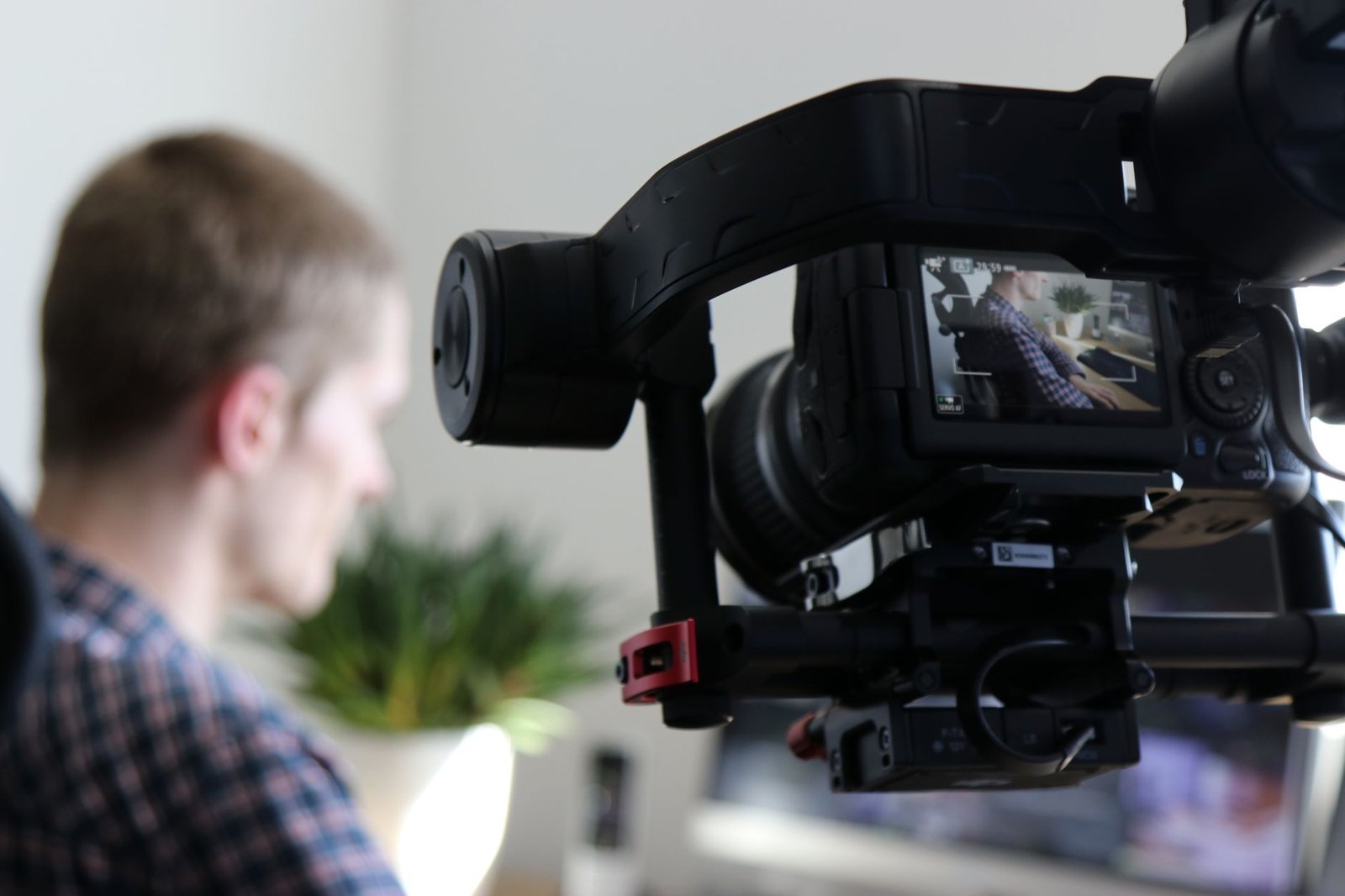
Your phone’s camera is good enough. Turn on the grid in your camera settings (it helps you keep shots level). Shoot in 4K if your phone supports it and you have the storage. You’ll export in 1080p, but 4K gives you room to crop or zoom in editing without losing quality.
Hold your phone horizontal (16:9) for YouTube and LinkedIn, or vertical (9:16) for Instagram stories and reels. If you’re not sure, shoot horizontal. You can always crop to vertical later, but you can’t add width to a vertical video.
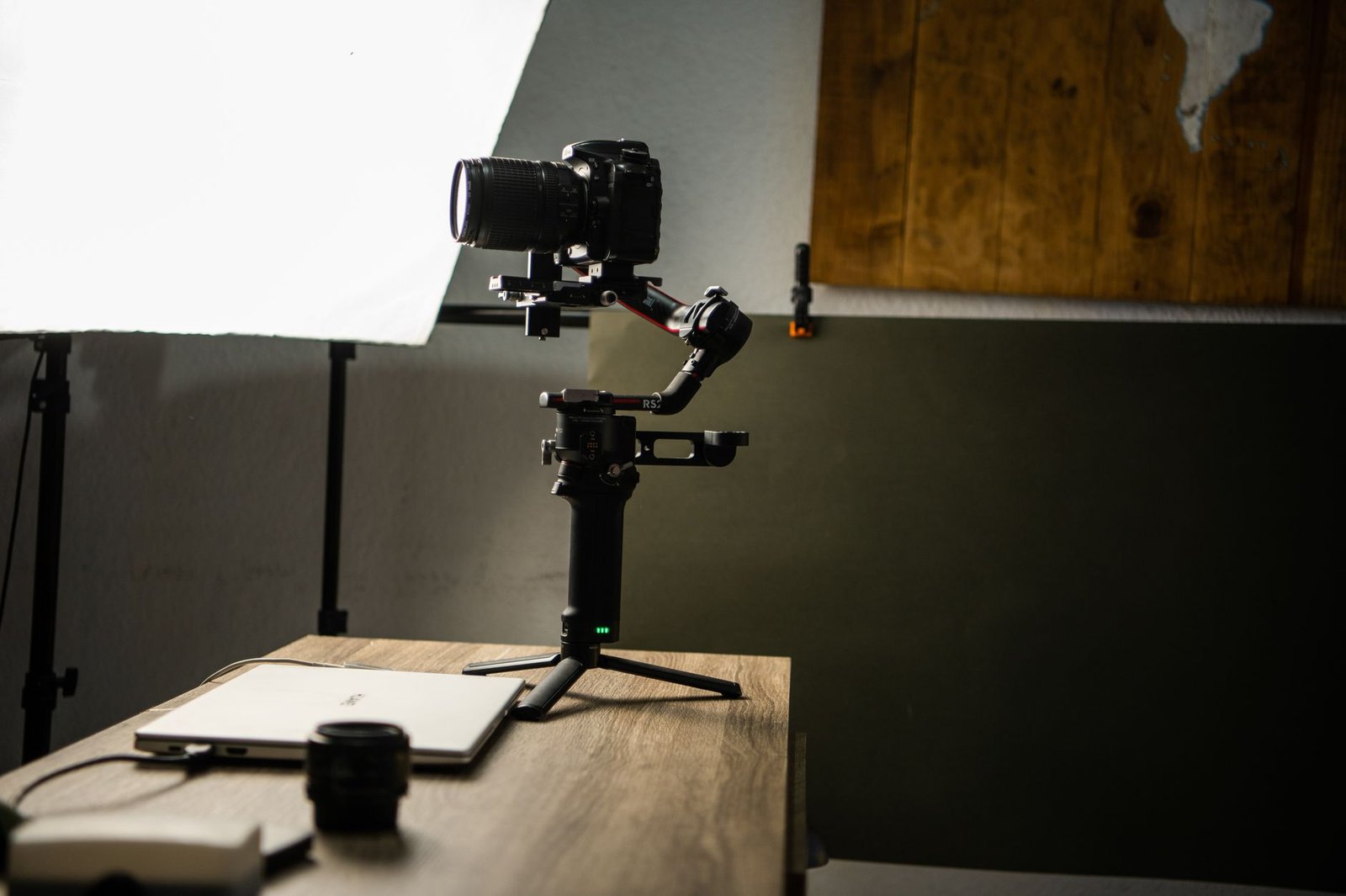
Mount your phone on a tripod or prop it on a stack of books. Handheld is fine for quick B-roll, but if you’re talking to camera, a shaky frame is distracting. A basic phone tripod costs 150 SEK and makes everything look more intentional.
Fix your audio first
Bad audio kills a video faster than bad visuals. Your phone’s built-in microphone picks up echo, background noise, and wind. Spend 200 SEK on a lavalier (clip-on) microphone that plugs into your phone’s headphone jack or USB-C port. It sits close to your mouth and cuts out most room noise.
Record in a small room with soft surfaces: rugs, curtains, couches, bookshelves. Avoid kitchens (echoey tile), bathrooms (hard surfaces), and big empty rooms. If you hear echo when you clap your hands, add a blanket or move to a different room. Test a 10-second recording before you film your full takes and listen on headphones. If it sounds clear, you’re good.
Film in short takes and give yourself options
Don’t try to film the whole 30-second video in one perfect take. Break your script into sentences and film each one separately. If you’re talking to camera, memorize one sentence, record it three times, then move to the next sentence. You’ll edit the best takes together.
This approach has two benefits: you don’t have to memorize a long script, and you get multiple versions of each line to choose from. If you stumble on take one, you have takes two and three as backup.
For B-roll (shots of your hands working, your product, your workspace), film 10-15 seconds of each action. You’ll use 3-5 seconds in the final edit, but the extra footage gives you flexibility. If you’re cutting on movement (someone picking up a tool, opening a laptop), film the full motion from start to finish. You can speed it up or trim it later, but you can’t add motion that wasn’t there.
Shoot more than you think you need
Plan for a 2:1 or 3:1 shooting ratio. If your final video is 30 seconds, film 60-90 seconds of footage. That’s enough to cover mistakes, try different takes, and have options in editing. If you shoot exactly 30 seconds, you’ll have no room to cut out stumbles or adjust pacing.
How to tell your brand story in a 30-second video: edit tight and cut fast
Import your footage into CapCut (free, works on phone and computer) or DaVinci Resolve (free, more powerful, computer only). Both have beginner tutorials on YouTube. Drag your best takes onto the timeline in the order of your script.
Your first edit will probably run 45-60 seconds. That’s normal. Now cut it down. Remove pauses longer than half a second. Cut “um, ” “uh, ” and false starts. If a sentence doesn’t move the story forward, delete it. If a shot is pretty but doesn’t support your message, cut it. Tight editing keeps attention.
Watch your timeline without sound. If a shot lasts longer than 8 seconds and nothing is happening, trim it. If you lose interest before the end, your audience will too. The goal is forward momentum: every second should make the viewer want to see the next second.
Add text overlays for clarity
Most people watch videos on mute, especially on social platforms. Add text to reinforce your key points. Use your editing app’s text tool. Keep text on screen for at least 2-3 seconds so people can read it. Use large, simple sans-serif fonts (Arial, Helvetica, Futura). Place text in the lower third of the frame so it doesn’t cover faces or products.
One line of text at a time. If your voiceover says, “We turn phone clips into ads, ” put that exact phrase on screen as you say it. Don’t add extra words or rephrase. Text should match audio or stand alone if there’s no voiceover.
Use music, but keep it quiet
Background music sets mood and covers small audio gaps (a door closing, a car passing outside). Pick a royalty-free track from Epidemic Sound, Artlist, or YouTube Audio Library. Choose something that matches your brand’s tone: upbeat and bright for a playful brand, calm and minimal for a professional service.
Keep the music 30-40% volume under your voiceover. If the music competes with your voice, people can’t focus on your message. In your editing app, adjust the music track’s volume (usually a slider or percentage). Play it back and make sure every word is clear.
Export, test, and adjust
Export your video as MP4 (H.264 codec) at 1920×1080 resolution and 30 frames per second. This works on Instagram, Facebook, LinkedIn, YouTube, and websites. If you shot in 4K, you can export at 3840×2160 for YouTube, but 1080p is fine for most uses and uploads faster.
If you’re posting on Instagram or Facebook, create a second version cropped to 1:1 (square) or 9:16 (vertical). Most editing apps have a crop or resize tool. You don’t need to re-edit the whole video, just change the frame dimensions and reposition your subject so it’s centered.
Post it and watch the data
Upload your video to one platform first. Post it to your Instagram story, your email list, or a small Facebook group. Watch where people drop off. Instagram and Facebook Insights show you the average watch time and the exact second people stop watching. If 50% of viewers leave at the 10-second mark, that’s where your story lost them. Go back and tighten that section.
Don’t expect perfection on your first video. You’re learning what works. Your third or fourth version will be faster to make and sharper. Save your project files so you can reuse the structure (text placement, music timing, color grade) for future videos.
For more on choosing the right editing tools, CapCut’s official site has step-by-step guides for beginners. If you want to go deeper into video storytelling structure, StudioBinder’s guide to story structure breaks down three-act frameworks in a practical way.
Key takeaways
- Pick one message and write a three-part script (hook, solution, CTA) before you film. Thirty seconds is 60-75 words, so every word has to count.
- Shoot near a window in the morning or late afternoon for soft light, use a clip-on microphone for clear audio, and film in short takes so you have options in editing.
- Edit tight: cut pauses, delete anything that doesn’t move the story forward, and add text overlays so your video works on mute.
- Export in 1920×1080 MP4 for most platforms, then create cropped versions (square or vertical) for Instagram and Facebook.
- Post your first version to a small audience, check where people drop off, and adjust. Your second video will be faster and sharper because you’ll know what works.
You don’t need a big budget or a production team to tell your brand story in 30 seconds. You need a clear message, decent light, clean audio, and tight editing. Start simple. Film one version this week. Watch it, learn from it, and make the next one better.
If you get stuck on the editing or want a second pair of eyes on your script, send me a message. I’m happy to point you in the right direction.
Frequently Asked Questions
How do I tell my brand story in a 30-second video?
Start with one clear message: the problem you solve or the change you create. Write a three-sentence script (hook, solution, call-to-action), film in good natural light near a window, and edit tight so every second counts. Cut anything that doesn't directly support your single message.
What should I include in a 30-second brand story video?
Include three elements: a relatable problem or moment your audience recognizes, how your product or service changes that situation, and one simple next step. Skip company history, multiple product features, and long introductions. One story, one point.
How long does it take to make a 30-second brand video?
Plan on 2-3 hours total for your first one: 30 minutes writing and storyboarding, 45 minutes filming (including setup and a few takes), and 60-90 minutes editing. Once you have a template, future videos take about an hour.
Can I shoot a brand story video on my phone?
Yes. Modern smartphones shoot video that looks professional if you control the light and sound. Use your phone's grid to keep shots level, shoot in 4K if your phone allows it, and add a $20 clip-on microphone for clear audio.
What's the best way to start a 30-second brand video?
Open with a question, a problem, or a moment of action in the first two seconds. Skip logo animations and "welcome to our company" intros. Your viewer decides to keep watching in three seconds, so start with something they recognize or care about.
Do I need a script for a short brand story video?
Yes. Write out every word before you film. Thirty seconds is roughly 60-75 words spoken at a natural pace. A script keeps you focused and prevents rambling. Read it aloud three times and cut anything that doesn't earn its place.
How many scenes should a 30-second video have?
Aim for 3-5 short scenes or shots. Each scene should last 5-8 seconds. More cuts keep attention, but too many (10+ scenes) make the video feel chaotic. Three is a safe starting point: problem, solution, call-to-action.
What editing app should I use for a brand story video?
CapCut is free, works on phone and desktop, and has everything you need: trimming, text overlays, transitions, and audio mixing. DaVinci Resolve is free and more powerful if you're on a computer. Both have tutorials on YouTube.
Should I use music in my 30-second brand video?
Yes, but keep it quiet. Music sets mood and covers small audio gaps, but your voice or on-screen text should carry the message. Use royalty-free tracks from Epidemic Sound or YouTube Audio Library. Keep the music 30-40% volume under your voice.
How do I make sure my brand video doesn't look cheap?
Control three things: light (shoot near a window during morning or late afternoon), background (clean, uncluttered, relevant to your work), and sound (use a microphone, not your phone's built-in mic). Cheap-looking videos are usually dark, messy, or echoey.
What's the biggest mistake people make in short brand videos?
Trying to say too much. You can't explain your full origin story, three product lines, and your values in 30 seconds. Pick one message. If you confuse people, they scroll past.
How do I write a hook for a brand story video?
Ask a question your audience has asked themselves, or show a frustrating moment they recognize. "Ever spend an hour looking for the right photo for a post?" works better than "Hi, I'm the founder of a content studio." Make it about them, not you.
Should I show my face in a brand story video?
Only if it helps the story. Showing your face builds trust for service businesses (coaching, consulting, local trades). Product businesses can focus on the product in use. Test both: film one version with you talking to camera, one with voiceover and B-roll, and see which feels right.
How do I add text to a 30-second video?
Use your editing app's text tool. Keep text on screen for at least 2-3 seconds so people can read it. Use large, simple fonts (sans-serif like Arial or Helvetica). Place text in the lower third of the frame so it doesn't cover faces or key visuals. One line at a time.
What file format should I export my brand video in?
Export as MP4 (H.264 codec) at 1920×1080 resolution. This works on Instagram, Facebook, LinkedIn, and websites. If you shot in 4K, you can export at 3840×2160 for YouTube, but 1080p is fine for most uses and uploads faster.
How do I know if my brand story video is too long?
Time it. If it's over 32 seconds, cut it. Watch it yourself without sound: if you lose interest before the end, others will too. Every sentence should move the story forward. If a shot or line is just "nice to have, " delete it.
Can I reuse one brand story video on multiple platforms?
Yes, but adjust the format. Instagram and Facebook prefer 1:1 square or 9:16 vertical. LinkedIn works with 16:9 horizontal. Export your master edit in 16:9, then create cropped versions in your editing app for other platforms. The story stays the same.
What should my call-to-action be in a 30-second brand video?
One clear, easy action: "Visit [your website], " "DM me for the full guide, " or "Try it free at [link]." Don't ask for three things (follow, like, share, visit, buy). One CTA. Put it in text on screen and say it in your voiceover.
How do I film myself talking if I'm alone?
Set your phone on a tripod or stack of books at eye level, 1-2 meters away. Use the front camera so you can see yourself, or use the back camera with a timer. Record in short takes (10-15 seconds each) so you can memorize one sentence at a time. You'll edit the takes together.
Do I need special lighting equipment for a brand video?
No. Shoot near a large window in the morning (8-10am) or late afternoon (3-5pm) when the light is soft. Face the window so light hits your face or product evenly. Avoid overhead ceiling lights (they create harsh shadows) and midday sun (too bright and contrasty).
How do I make my brand video sound professional?
Use an external microphone. A $20 lavalier (clip-on) mic plugged into your phone makes a huge difference. Record in a small room with soft furniture (rugs, curtains, couches) to reduce echo. Avoid kitchens, bathrooms, and empty rooms. Test your audio with a 10-second recording before you film the full take.
What's the best background for a brand story video?
Choose a background that shows your work without distracting. A clean desk with a few tools, a shelf with your products, or the space where you actually work. Avoid busy patterns, clutter, and blank white walls (they look sterile). Depth helps: leave 1-2 meters between you and the background so it blurs slightly.
Should I hire someone to make my brand story video?
Not for your first one. Learn the process yourself so you understand what works. You'll need to make many short videos (for ads, social posts, email), and hiring out every time gets expensive. Once you know what you want, you can hire an editor or shooter to speed things up.
How often should I update my brand story video?
Every 6-12 months, or when your message changes. If you launch a new service, shift your audience, or your old video feels off-brand, make a new one. Keep the old versions as templates. Your third or fourth version will be much faster to produce than your first.
Can I use stock footage in my brand story video?
You can, but original footage of your actual work is always stronger. Stock footage feels generic. If you need a quick shot you can't film (a close-up of hands typing, a sunrise), use stock as a 2-3 second insert, not the whole video. Pexels and Pixabay offer free stock clips.
What resolution should I film in on my phone?
Film in 4K (3840×2160) if your phone supports it and you have storage space. You'll export in 1080p, but filming in 4K gives you room to crop and zoom in editing without losing quality. If 4K fills your phone's memory too fast, 1080p at 30fps is fine.